Product6 min read
What Is SLAB? A Complete Guide to Door Manufacturing Software
SLAB is the operating system for door manufacturing — a system of record that configures and prices doors, keeps the customer attached to the job, and moves it from quote draft to delivery without anyone retyping a specification.
Slab Team · 27 August 2026
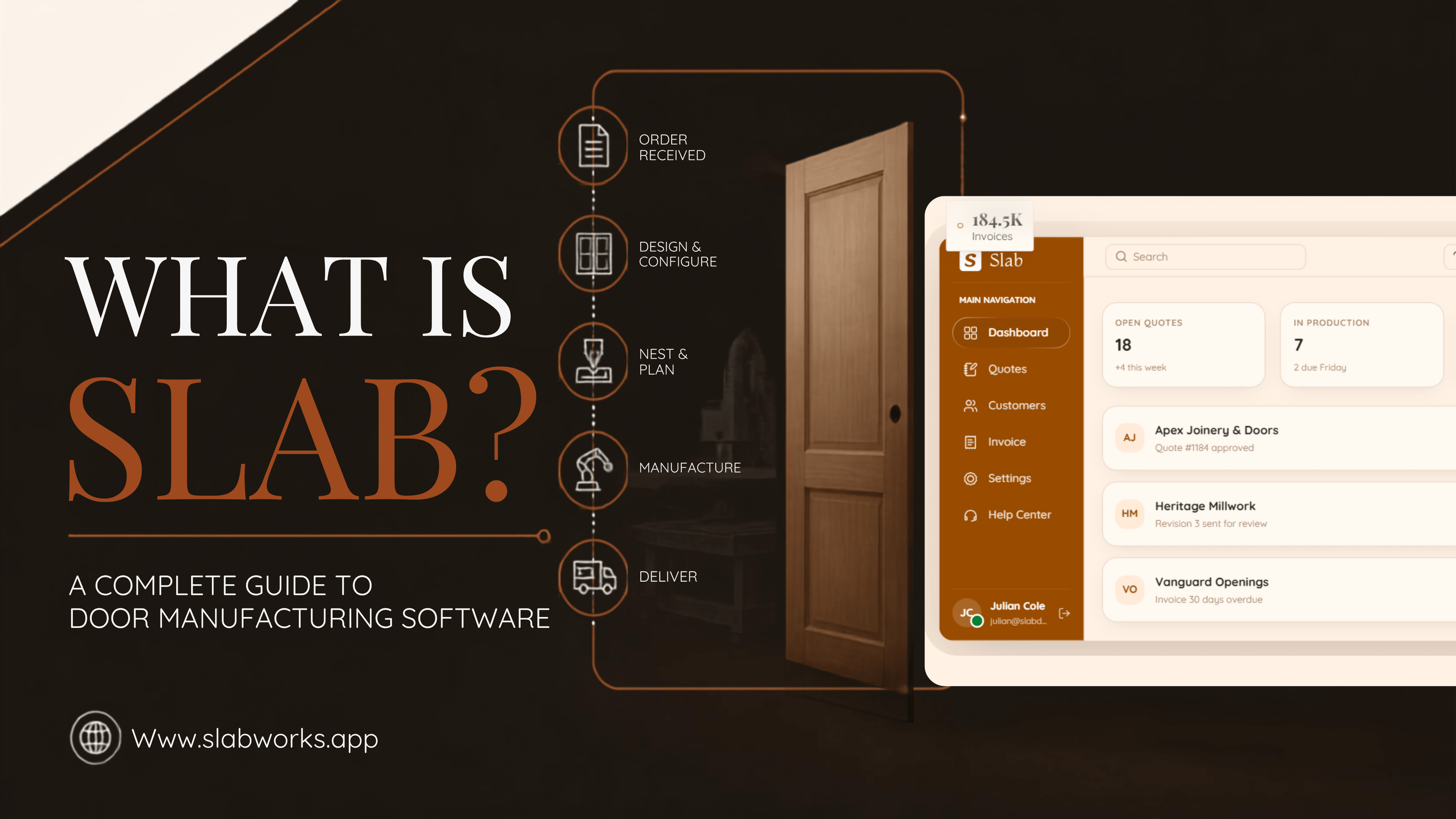
SLAB is the operating system for door manufacturing. It’s a software built specifically for custom door manufacturers, developed by Working Software. It functions as a system of records at the core of a door manufacturing job: configuring and pricing doors, keeping the customer information attached to that same record, moving the job through production stages from quote draft to delivery, and generating a quote that matches what the shop is building.
On average, door manufacturing companies using Slab have seen quote time drop by 60%, production errors fall by 42%, and operating costs come down by 20% — the combined effect of building estimates from a configured catalog instead of a blank form, and having the shop floor work from a single locked, approved version of every job.
The Problem That Most Custom Door Manufacturers Face
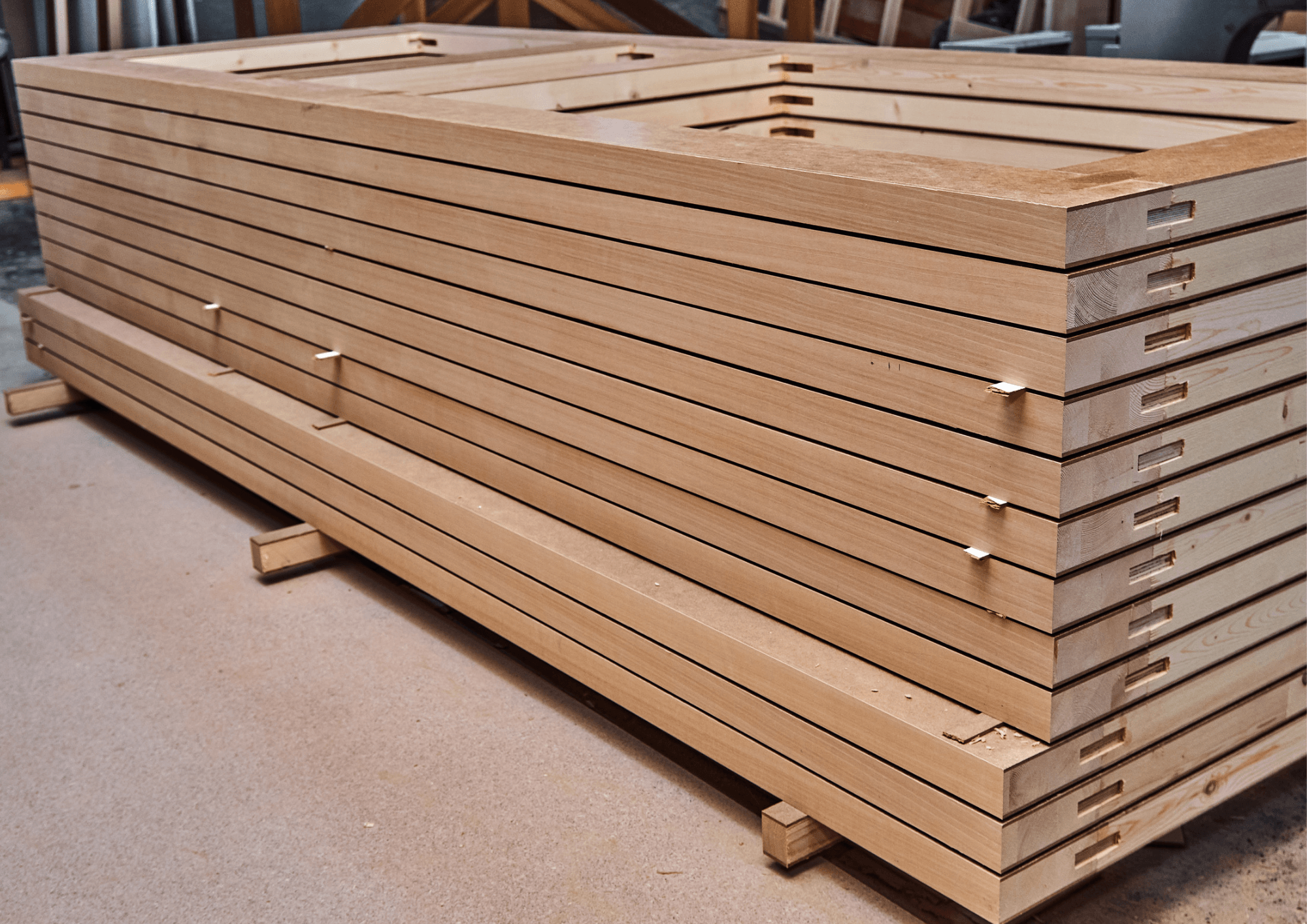
Reflect on this for a moment: a custom door is never a single digit. Size, handling, finishing, and hardware all have to travel accurately between the customer, the sales rep, and the shop—and when that back-and-forth process happens over spreadsheets, printouts, and phone calls, quoting alone can be extremely time-consuming. When cut lists arrive as printouts, machinists interpret rather than build from a locked specification, and mistakes tend to surface late at the finishing stage. A wrong specification for a door built based on last week’s record doesn’t just cost the material; it delays the delivery truck and eats the margin twice, once in a redo and once in the wasted time.
The problem doesn’t end at the shop floor, either. Once the door leaves the bay, tracking usually reverts to a sheet or a whiteboard, which ultimately means nobody can confidently tell what’s shipped, what’s arrived, or what’s still in transit.
What Does SLAB Actually Do?
-
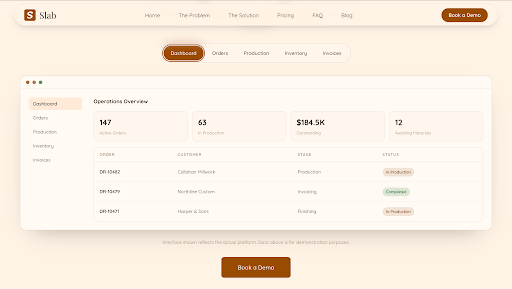
Quotes are built from the shop’s own catalog, not retyped by hand. Style, family, model, measurements, jamb, and hardware are selected directly from the shop’s configured catalog rather than typed from scratch on every order—and prone to errors.
-
Customer information stays attached to the job. Company records, contacts, billing information, and shipping addresses live with the quote itself, and the PDF a customer receives is generated directly from that same record—not assembled separately after the fact.
-
A job moves through the shop one stage at a time. Sales submits a quote for review; a manager approves it and advances it to the floor. Once approved, the quote locks against further sales edits, so the shop is never built from a change nobody on the floor was told about.
-
Every change is tracked, with who made it and when. Creates, edits, stage changes, and any restores are logged with a timestamp and person responsible, so a shop never has to guess which version of a job is current.
-
Invoicing follows the job's progress. Billing is based on stage-based invoicing, so payments can be tied to where a job actually sits in the pipeline rather than issued as a lump sum after delivery.
-
Cut lists and shop scheduling come out of the same system as the job itself. Material cutting plans and floor scheduling are generated alongside the quote and order, rather than being worked out separately once an order reaches the shop floor.
-
Inventory and material status stay visible alongside production. Orders waiting on materials show up as their own tracked state—so in cases of a shortage, the system surfaces the issue immediately rather than mid-build.
SLAB’s Job Pipeline
Every order in SLAB moves through six defined stages:
Draft → Pending Review → Approved → Production → Shipped → Delivered
Because the quote locks at approval, sales, production, and shipping all work from the same final specifications, with no outdated draft in between.
How Is SLAB Priced?
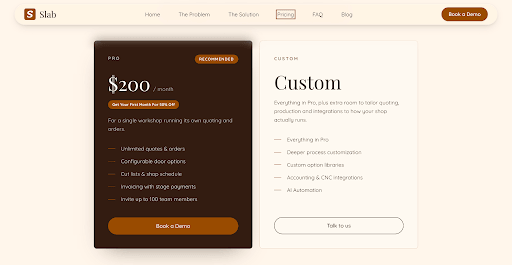
SLAB offers two plans: The Pro plan is $200 per month, built for a single workshop that runs its own quoting and orders. It includes unlimited quotes and orders, configurable door options, cut lists and shop scheduling, invoicing with stage payments, and support for up to 100 team members.
A Custom plan builds on everything in the Pro plan with deeper process customization, custom option libraries, accounting and CNC integrations, and AI automation, priced individually for shops whose catalog, workflow, or integrations exceed the Pro version.
How Is SLAB Different From a Generic ERP or a QuickBooks-Based Process?
SLAB isn’t a general-purpose ERP. It’s built specifically around the door quoting-to-delivery workflow, not an entire enterprise’s finance, HR, and supply chain operations. That’s an important distinction from traditional manufacturing ERPs, which commonly run subscription fees of $4k-$6k per month. At $200 a month, SLAB’s Pro plan sits in a different pricing category entirely tailored for shops that need the workflow, not an enterprise-scale implementation.
As compared to a QuickBooks or spreadsheets process specifically, the difference is where information lives. Today, some door manufacturers apply a typical manual setup, where a measurement gets written down, photographed, emailed, and retyped into accounting software before a price is even calculated. In SLAB, the specification is selected once, from the shop’s own catalog, and carries forward automatically through the quote, the approval, and the build.
Who Is SLAB Built For?
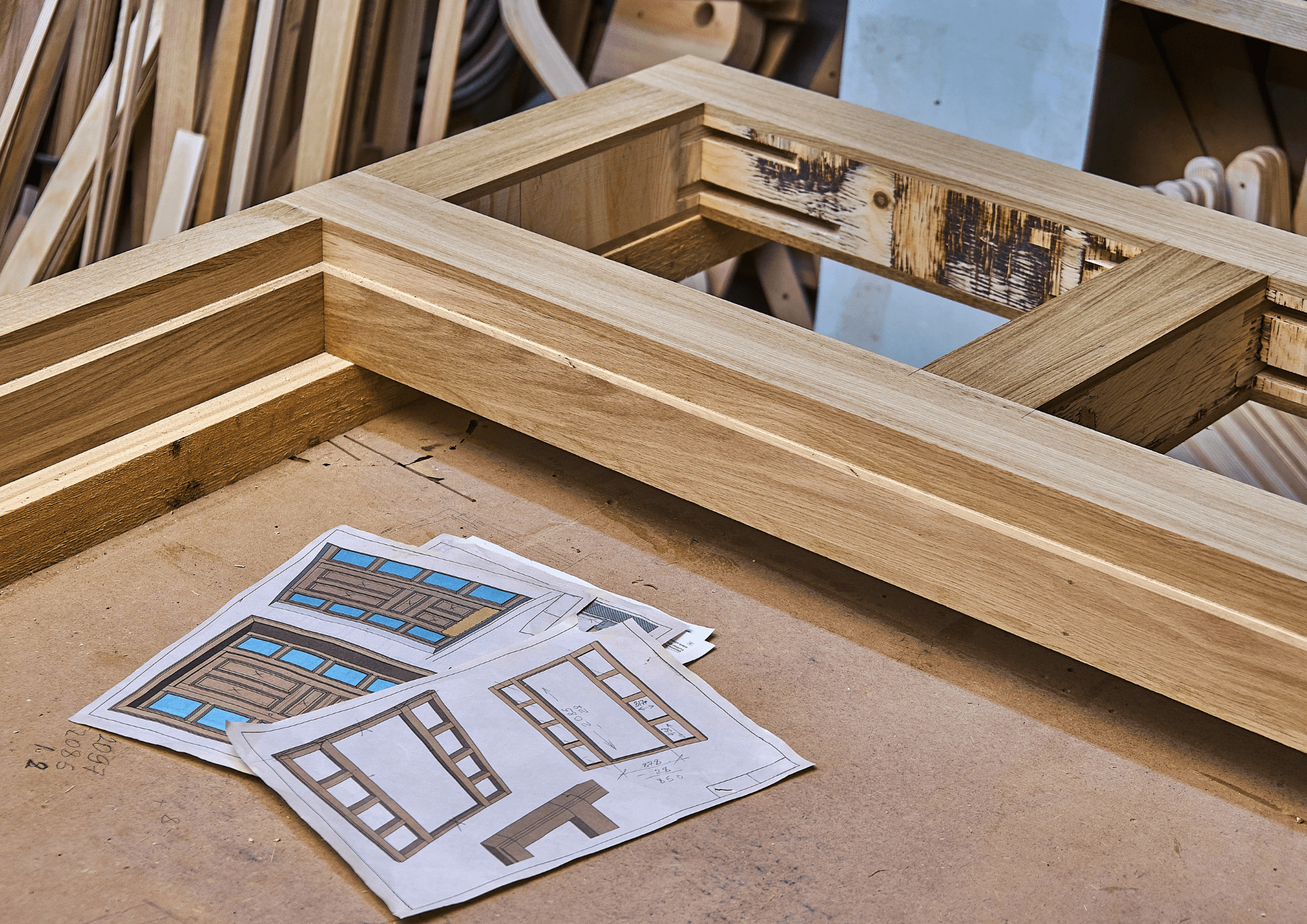
Custom door shops producing wood, fiberglass, or steel doors, including single and double doors, sidelights, transoms, sliders, barn doors, and pocket doors, that are currently managing quotes, customer data, and job status across spreadsheets, printouts, and email.
Frequently Asked Questions
-
How much does SLAB cost? The Pro plan is $200 a month and covers unlimited quotes and orders for a single workshop. A Custom plan is available for shops that need deeper customization, additional integrations, or AI automation, priced individually.
-
Can door options and pricing be configured to match our shop? Yes. Door styles, materials, finishes, hardware, and the rules that price them are fully configurable. SLAB ships with a starting library of common options, which a shop then edits until it matches how it actually quotes.
-
Is SLAB an ERP? Not in the traditional sense. SLAB is scoped to the door manufacturing workflow (quoting, the customer record, and the job pipeline) through delivery, rather than the full enterprise scope of finance, HR, and supply chain a traditional ERP manages.
-
What types of doors does SLAB support? Exterior and interior doors in wood, fiberglass, and steel; single- and double-configuration doors; and sidelights, transoms, sliders, and barn and pocket doors.
-
Can I cancel anytime? Yes. SLAB is offered month-to-month, and a shop can cancel whenever it decides to.
-
Are there quote limits? No. SLAB doesn't limit the number of quotes a shop can generate.
-
Who makes SLAB? SLAB is a product of Working Software.
-
Is there a customized plan available? Yes. A Custom plan exists for shops whose catalog, workflow, or integrations need a closer fit than the Pro plan provides.